A QR code for your wedding photos: how to use it well
A QR code on the tables is the most direct way for guests to share their wedding photos: they scan it with the camera and upload in seconds. But a QR code in the wrong place, or with no explanation, ends up as decoration. Here's what makes it work.
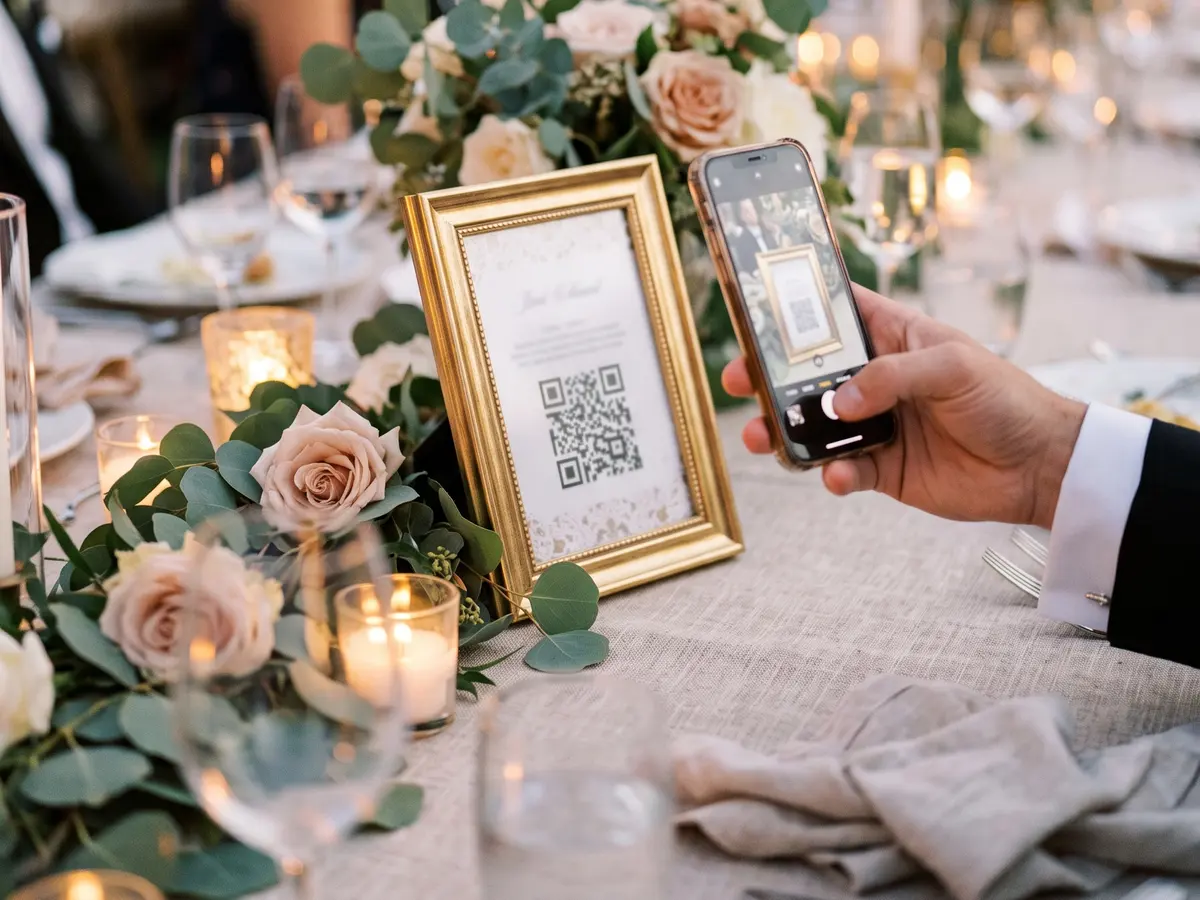
Where to put it
On every table, at eye level: that's where people spend the most time sitting with their phone in hand. Add one at the entrance or by the photo booth, and another near the bar. If there's a screen, showing it for a moment after the speeches works very well.
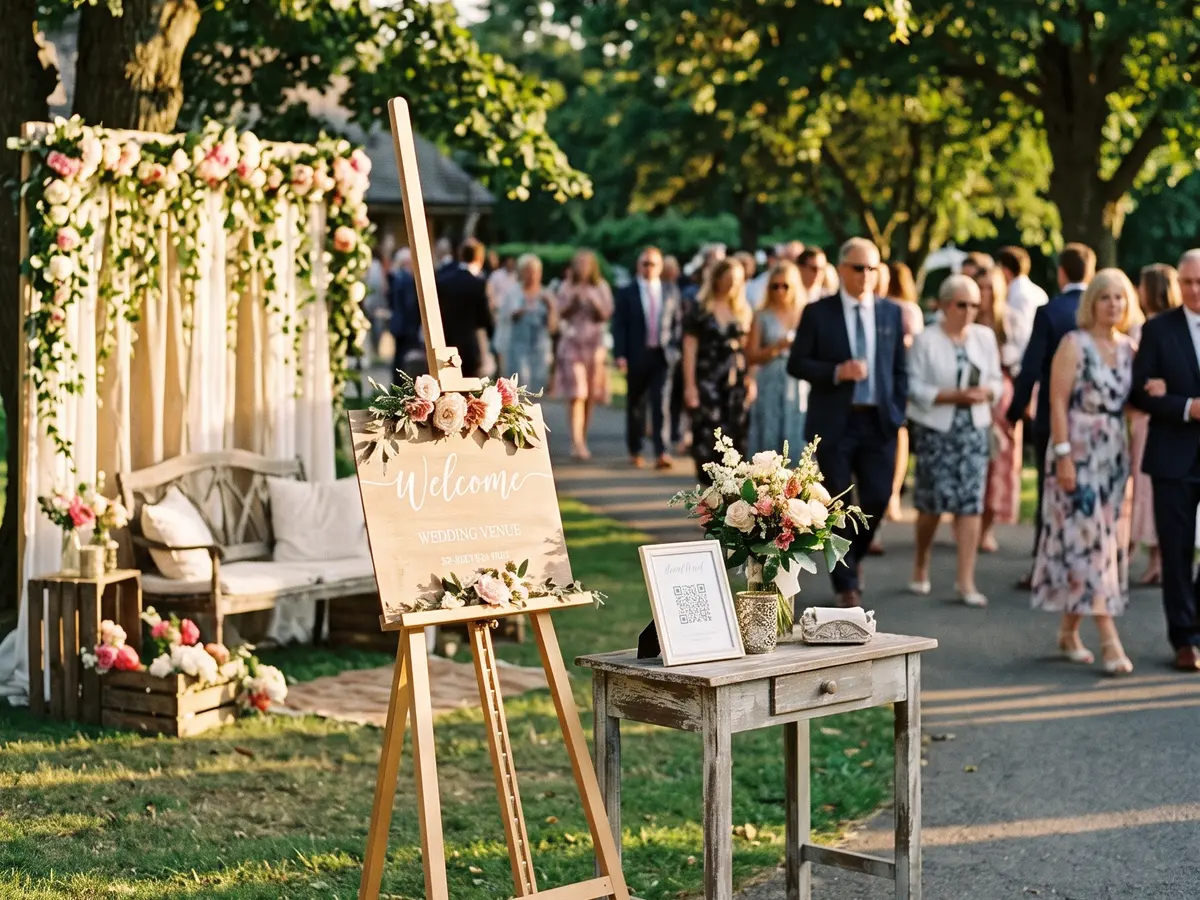
What to write next to it
A QR code with no text doesn't say what it does. Pair it with a short line that gives the benefit and removes doubts: "Scan to upload your wedding photos. No app, no sign-up." If you like, add when uploads close.
Ask for nothing
A guest should be able to upload on the spot, with a drink in the other hand. If scanning asks them to download an app or create an account, most will leave it for later, and later never comes. With Bada the QR code opens the upload page straight in the phone's browser.
Size and printing
Print it with good contrast and at a size that's easy to scan from a chair; avoid placing it behind glass or on glossy surfaces that reflect light. Test it with two or three different phones before the day. In Bada you can design a poster with your album's QR code and download it to print.

And after the wedding
Share the same link in the guests' group chat for anyone who didn't scan it. When uploads close, the gallery brings everyone's photos together, with the name of whoever took each one, and guests can view it, like and comment.