Google Photos shared album or Bada for an event
A Google Photos shared album is free and many people already have it, so it's a reasonable option. For an event with guests who don't know each other, it has a few limits worth knowing before you choose.
Adding photos needs an account
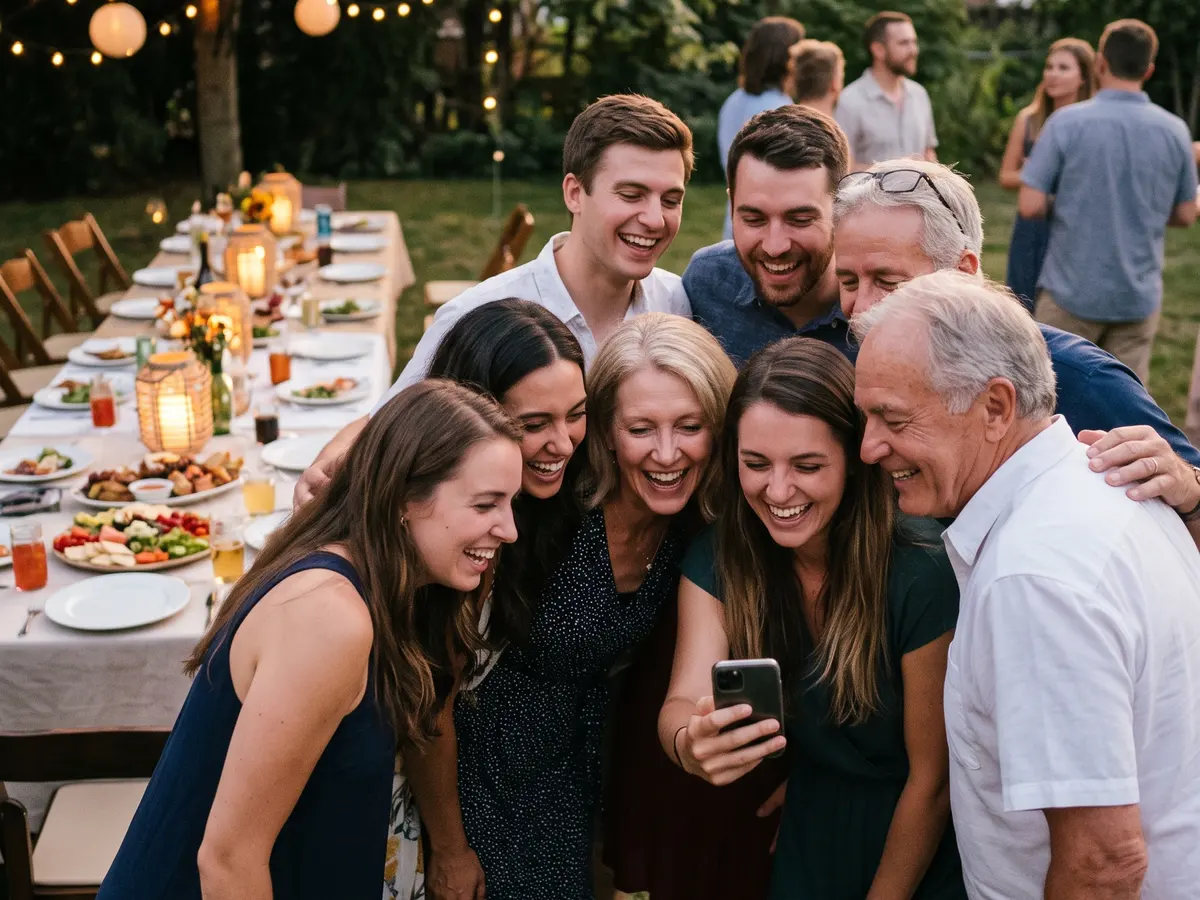
With the link, anyone can view a Google Photos shared album, but adding photos needs a Google account. At a wedding, anyone who doesn't have one, or doesn't want to use it, is left out. In Bada guests upload from their browser with the link or QR code, no account needed.
The link never expires
A Google Photos album link has no password and no expiry: anyone it's forwarded to can see every photo until you turn link sharing off. In Bada the links you share expire some time after the event closes, and you can renew them whenever you like.
Built for your library, not for an event
Google Photos is excellent for keeping your own photos. An event needs other things: a closing time for uploads, deciding when the gallery opens (during the event, when uploads close or a few days later), reviewing and hiding photos before they're shown, and knowing who took each one. That's what Bada does.
Likes and comments in the gallery
In Bada guests can like and comment on every photo inside the gallery, and each image carries the name of whoever took it. The album becomes the shared memory of the day, not just another folder.
When to choose each
If every guest uses Google and it's a close group, a Google Photos shared album may be enough. If there are many guests, people who don't know each other, or you want control over what goes out and when, Bada is the better fit. Up to 3 guests is free; after that you pay once per album.