Event photos: WhatsApp group or shared album
The WhatsApp group is the first thing people use to share an event's photos, and for four photos it works. With a hundred photos from thirty people, the problems start. Here's an honest comparison.

Quality
WhatsApp sends photos in "Standard" quality by default, compressed. There's an HD option, but it still applies compression, and only sending them as a document delivers the original file. In Bada photos are stored at 2048 px on the long side, plenty for any screen and for prints up to about 17 cm, and clips of up to 30 seconds upload as they were recorded.
Order
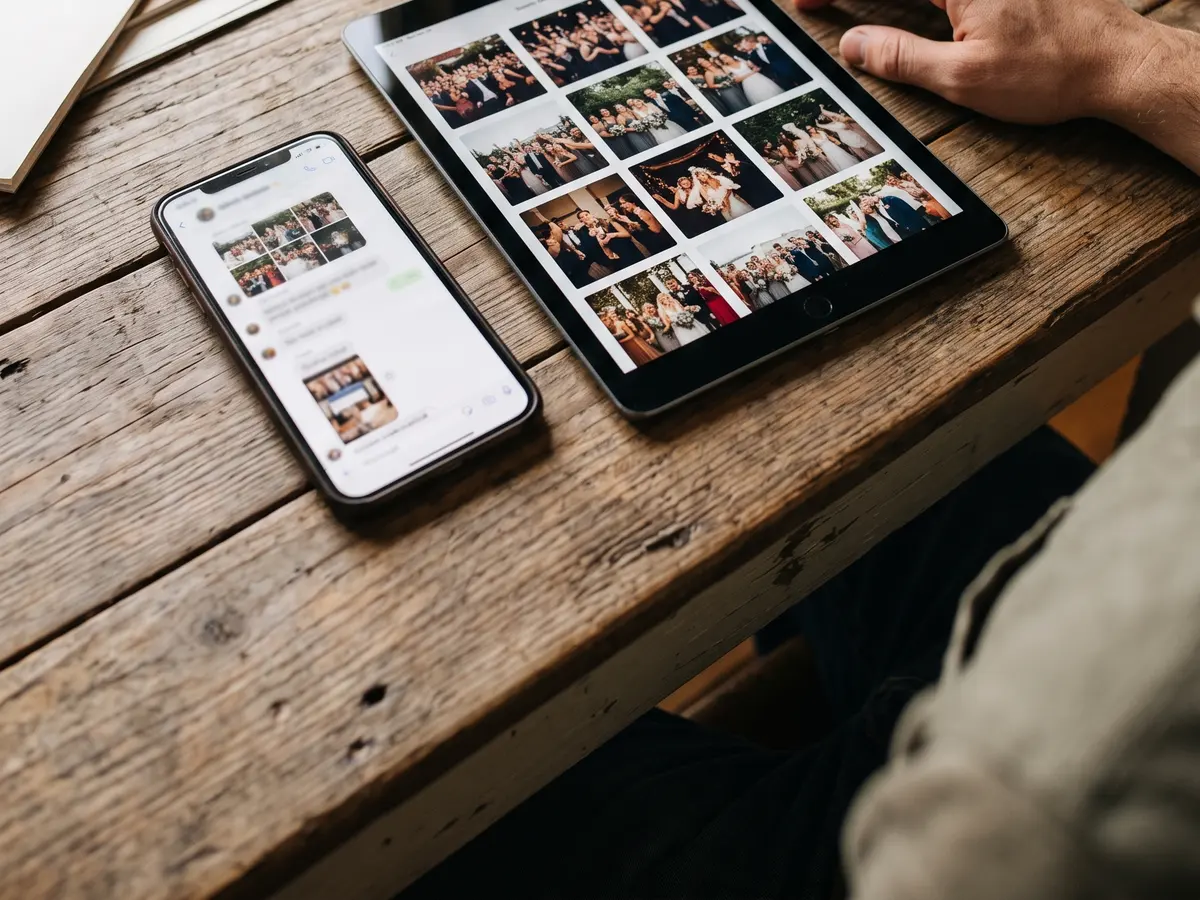
In a group, photos get mixed with messages, voice notes and stickers, and a few weeks later finding "the wedding ones" is archaeology. One album per event keeps them together; you can sort by date and filter by person, and every photo carries the name of whoever took it.
Who can take part
To share in the group you have to be in the group, and at a wedding many guests don't know each other or want to join a hundred-person chat. In Bada the link or QR code is enough: guests upload from their browser with no account, without handing their phone number to anyone.
Saving and downloading
On WhatsApp every guest has to save photos one by one, depending on their phone's settings. In a Bada gallery everyone sees them all together and, if the host allows it, can download them as a ZIP.
When WhatsApp is enough
If it's a few people and a few photos, or you only want to share two or three on the spot, the group is enough and you don't need anything else. Bada makes sense when you want everyone's photos in one place, in good quality, and still there a year from now. Up to 3 guests is free; after that you pay once per album, with no subscription.